On-brand visual production for AI agents
Abyssale MCP is the official AI connector for Abyssale’s creative automation platform. Connect Claude, ChatGPT, Codex or Cursor to create or import editable Designs and generate on-brand visuals at scale, from a new idea or work you already have.
Trusted by industry leaders. Now available to your AI agents.








From an idea to a full set of visuals
Create with your agent. Scale with Abyssale.
New products. More markets. More formats. Give your agent the ability to turn each request into editable Designs and the visual variations your team needs.
Create on demand. Let your agent take it from there.
Ask for a visual in your conversation, or configure an agent to decide what needs creating and keep production moving on its own.
From your idea to your visual
Create alongside your AI agent
From a first concept to a full set of visuals, work with your agent to create, adapt and generate. Every new instruction moves the work forward.
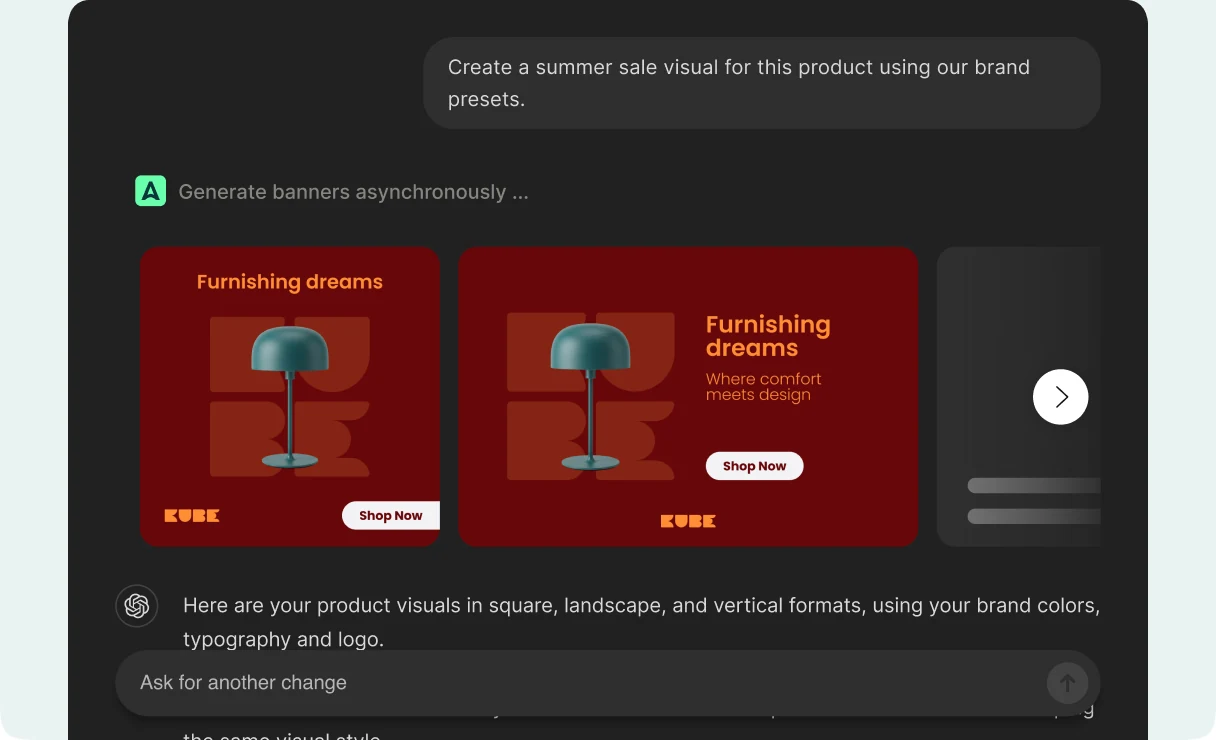
Built around your workflow
Visual production on autopilot
Connect your data and set the rules. Your agent decides which visuals to create or refresh, then uses Abyssale MCP to generate them without a new prompt each time.
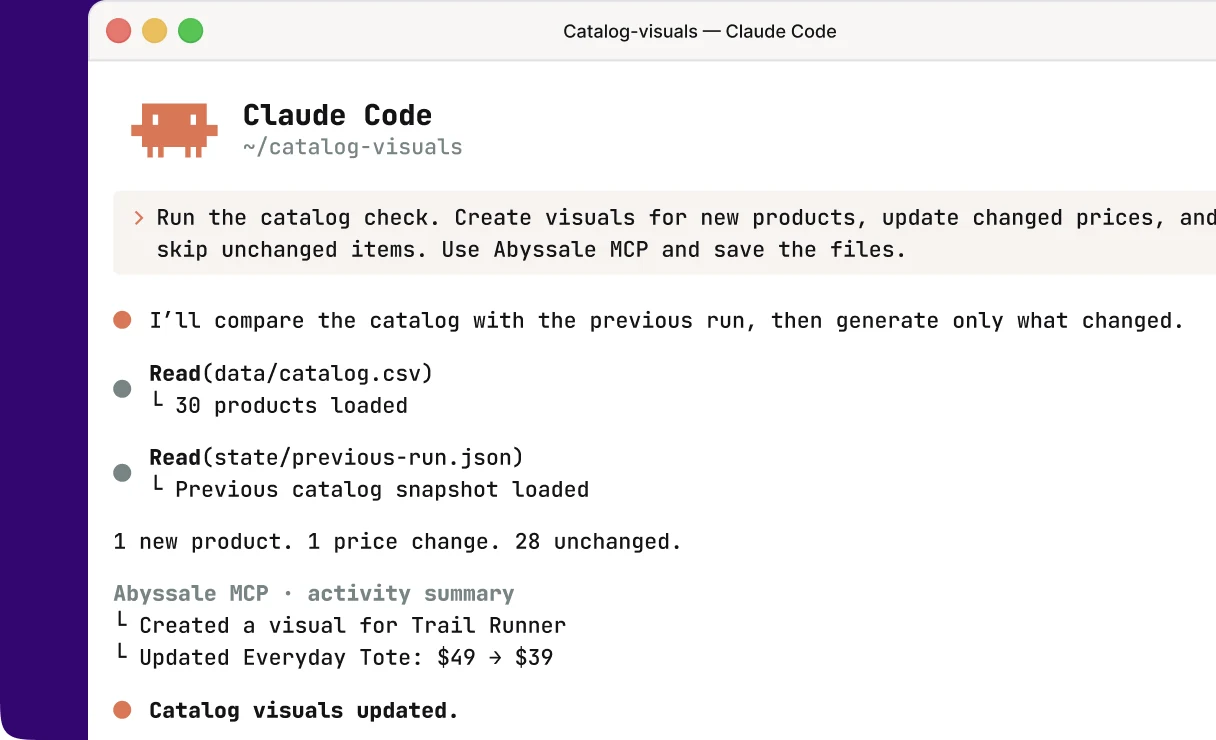
What will you create with Abyssale MCP?
From your first idea to ongoing visual production. Here are a few ways to put your AI agents to work.
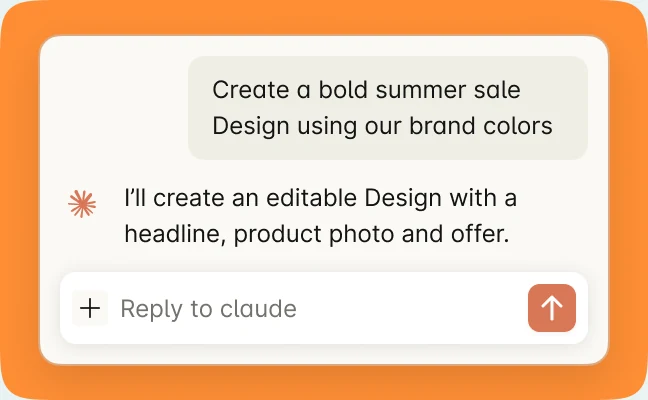
Create from an idea
Describe the visual you want. Your agent creates a new Design with editable text, images and shapes in your Abyssale workspace.
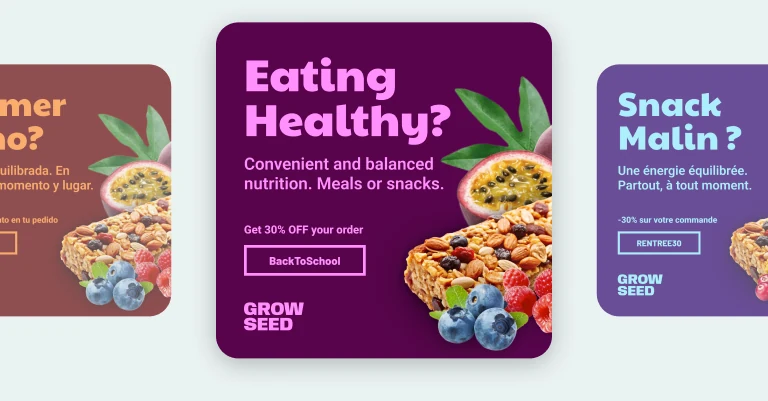
Localize for every market
Adapt languages, imagery and offers to the markets you serve, using your Design’s layout and brand assets.
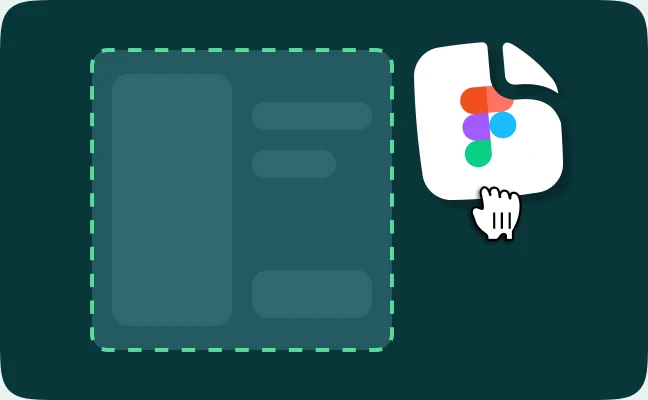
Bring in existing creative
Turn a Figma design or HTML banner into an editable Abyssale Design, ready for your agent to adapt and generate from.
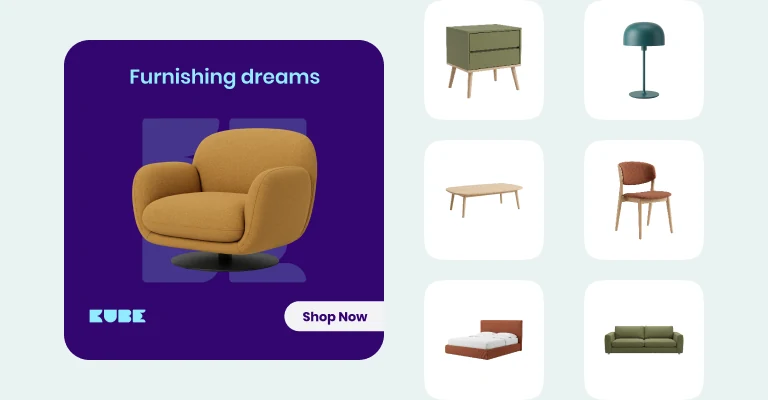
Personalize an entire catalog
Let your agent use connected product data to turn names, prices and images into a visual for each item.
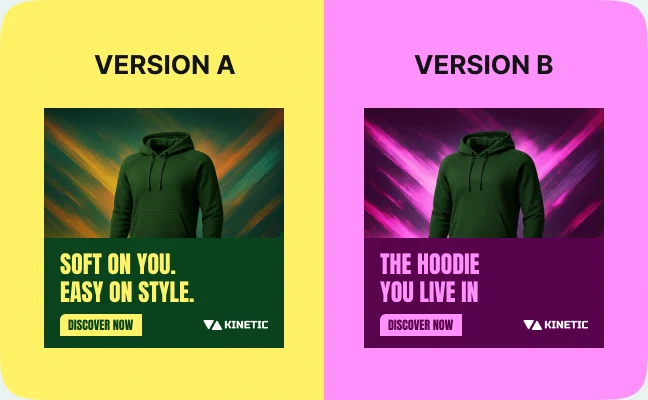
Compare headline variations
Ask your agent for headline or offer variations using the same Design. Generate the options, compare them and refine your next request.
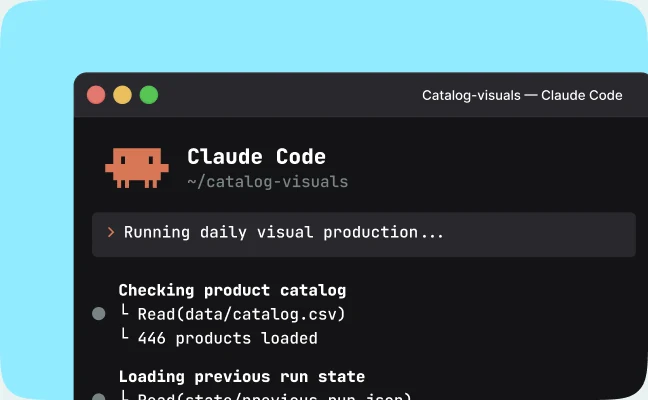
Production on a loop
Connect your agent to your data and automation tools so new products or updated offers trigger fresh visuals.
“I'm honestly amazed. We've completely eliminated manual graphic creation for property listings. It's not just about saving time - it's about making our entire workflow so much smoother.”

Alysa B
Marketing Consultant @ Fall Real Estate
Your visuals, in the formats you need
Generate social visuals, animated ads, display banners and print documents from the appropriate Designs in your workspace.
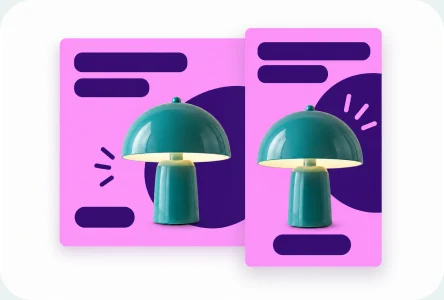
Static images
JPG, PNG, WebP and AVIF, at the sizes prepared in the Design.

Video and animations
MP4 and GIF, using the motion already built into an animated Design.
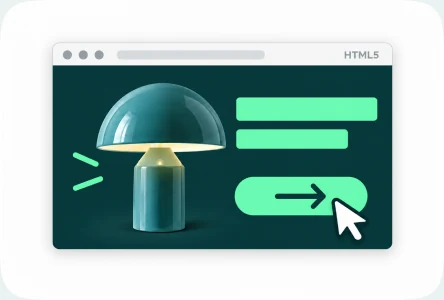
HTML5 display ads
Generate HTML5 banner files from an animated Design.
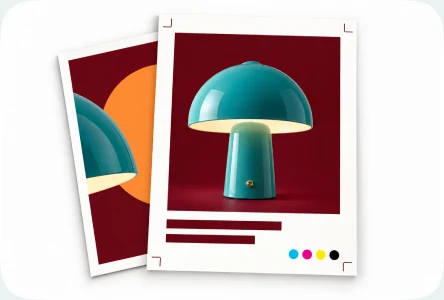
Print-ready PDFs
CMYK at 300 DPI, including multi-page catalogs and brochures.
Prompts you can copy today
Pick a prompt, add your product details and let your agent get to work.
Create a Design


Create an editable summer sale Design using the attached product photo, our brand colors and the headline “Make room for summer.”
Import from Figma
Use the figma-to-abyssale skill to recreate this Figma frame as an editable Abyssale Design. Keep its text, image and shape layers editable.
Localize a Design
Generate French, German and Spanish versions of this Design. Adapt the editable headline and call to action, keeping the brand assets and layout.
Set up an autonomous loop
Set up a daily check of our connected catalog. Create visuals for new products, refresh those whose prices change. Use Abyssale MCP and save the files to our connected team folder.
Generate a print document
Use our Spring catalog Design to generate an eight-page brochure PDF in CMYK at 300 DPI. Check the available print formats and workspace credits first.
Compare messages
Generate two PNG versions of this Design: one with “Meet your next favorite” and one with “Made for your everyday.” Keep the product photo, logo and colors the same.
Why Abyssale MCP
Why connect your agents to Abyssale
Bring Abyssale’s creative automation platform into your agent’s workflow, with editable source files, reusable brand assets and access through your own account.
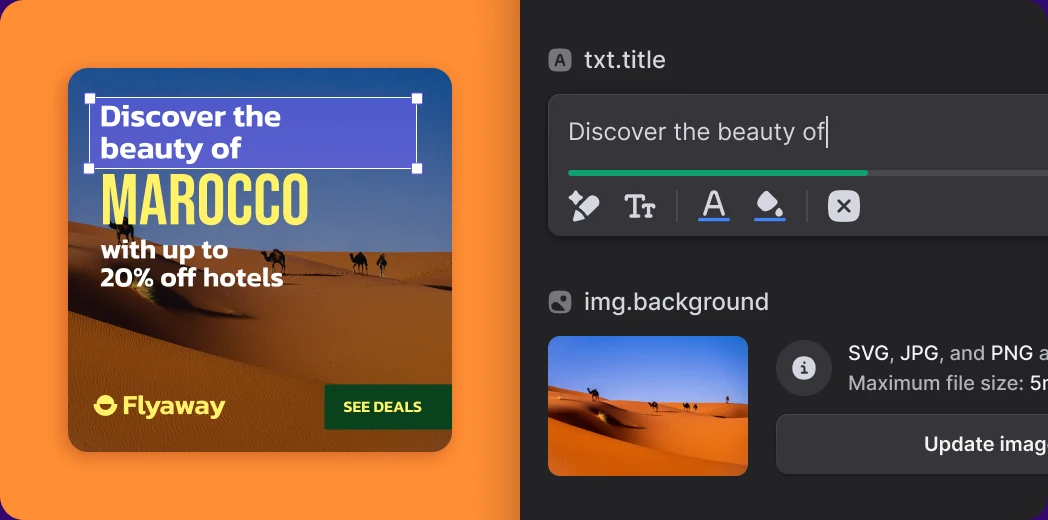
Editable today. Reusable tomorrow.
Every Design your agent creates or opens in Abyssale keeps its text, shape and image layers. The same Design can produce a different variation every time, without regenerating it from nothing.
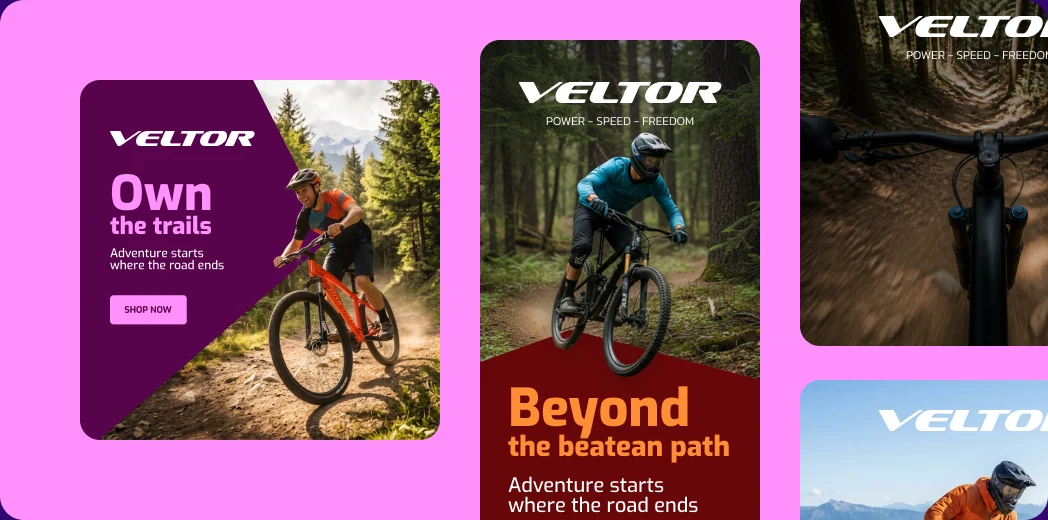
Your brand, across every variation.
Use your Design’s layout, typography and brand assets as the foundation. Adapt the editable content for each product, format, market or offer.
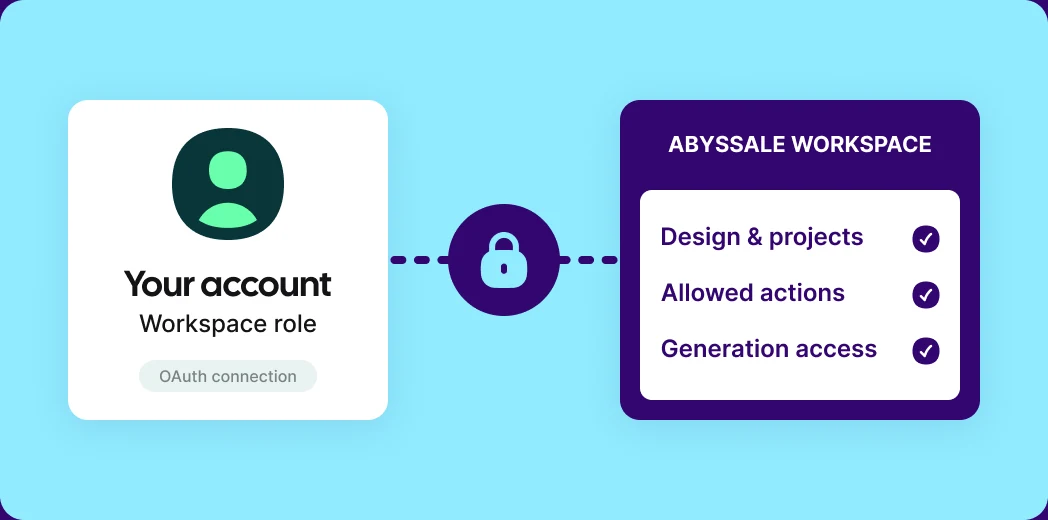
Your workspace. Your permissions.
Sign in with OAuth. Your agent works with your workspace role and the permissions granted to the connection.
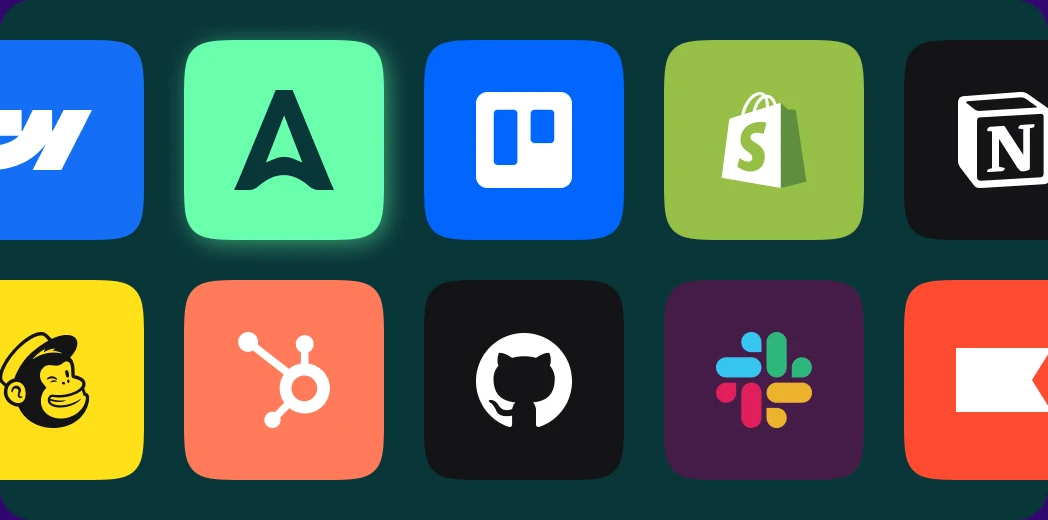
Bring your tools into the workflow.
Use product data, files and other tools your agent is connected to alongside Abyssale, in the same conversation.
Set up Abyssale MCP
Choose your AI tool, connect your workspace and start creating.
Start your free trial
Try Abyssale MCP during your trial. A paid plan is required to continue using it afterward.
Already have an account? Continue to step 2.
Choose your AI tool
Select your client to see its connection instructions.

Claude Code
Claude.ai

ChatGPT / Codex

Cursor

Lovable
Add Abyssale to Claude Code
Run the full command below in your terminal, including the client ID and callback port.
Server URL
https://mcp.abyssale.com/mcp
Client ID
tpc_iJ7LWqVdzR7c7jf21gMqDQ
Command
claude mcp add --transport http --client-id tpc_iJ7LWqVdzR7c7jf21gMqDQ --callback-port 3418 -s user abyssale_prod https://mcp.abyssale.com/mcp
Both --client-id and --callback-port are required. This client ID is registered for Claude Code only.
Add Abyssale to Claude.ai
In Claude.ai, go to Settings → Connectors → Add custom connector. Enter the name and server URL below, then click Continue. Keep the detected defaults (Sign in now, Use Claude’s published identity): there is no client ID to enter. Click Add.
Name
Abyssale
Remote MCP server URL
https://mcp.abyssale.com/mcp
Uploading local files when creating a Design? A Claude.ai workspace admin must first add https://production-templates-imports.s3.eu-west-1.amazonaws.com to the domain allowlist in Admin settings → Capabilities.
Add Abyssale to ChatGPT and Codex
In ChatGPT, go to Settings → Security and login and turn on Developer mode. Then open Settings → Plugins and click Create MCP app (it may read Create app). Enter the name and server URL below, leave Authentication on OAuth and don’t touch the advanced OAuth settings. Check “I understand and want to continue”, then click Create.
Name
Abyssale
Server URL
https://mcp.abyssale.com/mcp
Connectors added on the ChatGPT website are shared with the Codex app, so there is no separate setup there.
Add Abyssale to Cursor
In Cursor, go to Settings → MCPs and click New MCP Server. This opens ~/.cursor/mcp.json. Add the entry below, then save the file.
~/.cursor/mcp.json
{
  "mcpServers": {
    "abyssale": {
      "url": "https://mcp.abyssale.com/mcp",
      "auth": {
        "CLIENT_ID": "tpc_rusyFsfRzoeCprRzoumUwS"
      }
    }
  }
}Client ID
tpc_rusyFsfRzoeCprRzoumUwS
This client ID is registered for Cursor only. Cursor always redirects the sign-in to http://localhost:8787/callback.
Add Abyssale to Lovable
In Lovable, open Connectors, click + in the top right and choose MCP server. Enter the server name and URL below, leave Authentication on OAuth (default), then click Add & authorize.
Server name
Abyssale
Server URL
https://mcp.abyssale.com/mcp
Connect your workspace
Complete the sign-in when prompted by your AI tool. Sign in to Abyssale and approve access to your workspace.
You’re good to go!
Abyssale MCP is connected. Try your first prompt & start exploring what you can create.
Explore your designs
List the Designs in my workspace, then show me the editable layers and prepared formats in one of them.
Questions about Abyssale MCP
What is Abyssale MCP?

Abyssale MCP is the official Model Context Protocol server for Abyssale. It connects an AI agent to your Abyssale workspace over OAuth, so the agent can create or import editable Designs, inspect their layers and prepared formats, and generate visuals from them.
What does MCP mean?
MCP stands for Model Context Protocol, an open standard for connecting AI applications to external tools and data. Abyssale MCP uses it to let your agent work with Designs and generate visuals in your Abyssale workspace.
Which AI agents and assistants can connect to Abyssale?
Claude.ai, Claude Code, ChatGPT, Codex and Cursor. Use a registered client and its setup instructions in the Abyssale documentation.
How do I connect Abyssale to ChatGPT?
Enable Developer mode in Settings → Security and login, then create a plugin in Settings → Plugins. Use https://mcp.abyssale.com/mcp and the ChatGPT OAuth client ID from the setup guide. Sign in with your Abyssale account and approve access. The connection is shared with Codex.
Can my agent create a Design from scratch?
Yes. Your agent can write a Design structure itself and import it into your workspace. The Figma and HTML workflows are also covered by the official Abyssale skills. The result is an editable Design with real layers, not a flat image.
How does an agent localize a Design for several markets?
Ask it to create the versions you need from one Design. The agent opens the Design, translates only the editable copy, leaves the layout, grid and logo placement untouched, and generates one set of files per market.
How does an agent generate one visual per product?
Connect the agent to the tool that holds your product data, then ask for one visual per product. The agent reads the products, maps each field onto the matching layer of your Design, and generates the files.
Can my agent use data from another tool?
Yes. Abyssale MCP is one of the servers your agent is connected to, so it can combine your Abyssale workspace with the other tools and data it already reaches in the same conversation.
Will the generated visuals stay consistent?
Generation renders with the same engine as the Abyssale editor, so the source Design provides the layout and brand assets for your generated variations.
Do I need to write code or supply an API key?
No. Abyssale MCP signs in with OAuth from your AI client. There is no API key to create, store or rotate, and nothing to build.
Can I turn a Figma file into an editable Abyssale Design?
Yes. Use the official figma-to-abyssale skill with your connected agent to recreate a Figma design as an editable Abyssale Design. Text, shape and image layers stay editable, so the same Design can then produce every variation you need.
What file types can my agent generate?
JPG, PNG, WebP and AVIF for static visuals, MP4 and GIF for video and animated visuals, HTML5 ads, and print-ready PDF in CMYK at 300 DPI, including multi-page documents.
Can an AI agent generate an HTML5 banner or a video ad?
Yes. From an animated Design your agent generates MP4 and GIF files using the motion built into that Design, and from a display Design it generates HTML5 ads packaged for your ad server or DSP.
Does generation use credits?
Yes. Generation through Abyssale MCP draws on the same credits as the rest of your workspace, and your agent can check the credits you have left before it starts a large batch.
Can an agent generate visuals without someone asking each time?
Yes. Connected to your product data and automation tools, an agent can create or generate visuals on its own when products, offers, markets or content change. Abyssale MCP is what lets that agent act inside your Abyssale workspace. The trigger, the data source and the destination stay in the tools you already use.
Does Abyssale MCP respect my workspace permissions?
Yes. The connection signs in as you over OAuth, so the agent carries your workspace role and permissions exactly as they are set in Abyssale.
Which workspace roles can use MCP?
Owner, Admin, Manager, Designer and Operator can connect an agent. Project creation requires Admin or Manager; Design import also supports Designer. Owners can use all tools.
Does Abyssale MCP replace the Abyssale API?
No. Abyssale MCP is how an AI agent works inside your workspace, whether a person is prompting it or an automation is running it. The Abyssale API is for your own product or service driving generation directly, with API keys, asynchronous jobs and signed webhooks. Both support visual generation through Abyssale.
Have more specific questions?
Enable your AI agents to produce visuals at scale
Install Abyssale MCP, then ask your agent to build a Design or open one of yours, and generate the variations you need.