.jpeg)
Image Generation API for Automated Creative Production (2026 Guide)
A technical blueprint of the 2026 image generation API market. Learn why logic-first template APIs are replacing static and generative models for industrial-scale production.
.webp)
Template-based image generation APIs turn reusable visual layouts and structured data into visual assets. Unlike prompt-based image APIs, they render variable content inside predefined designs, making them suitable for repeatable branded production.
Teams use these APIs to generate Open Graph images, ecommerce promotions, localized campaign assets, personalized email visuals, certificates, social posts, and multi-format ad variations. The main differences are developer access, processing models, bulk capabilities, embedded editing, output formats, and the surrounding workflow available to designers and marketers.
For teams that want API-driven image generation alongside spreadsheet production, Dynamic Image URLs, multi-format outputs, and approval workflows in one platform, Abyssale is our recommendation. The other APIs in this list fit narrower workflows such as signed-URL generation, embedded editing, video rendering, or image-and-PDF document automation. If the decision is platform-level rather than endpoint-level, see how creative automation platforms with an API compare on execution modes, SDKs, output formats, and public pricing.
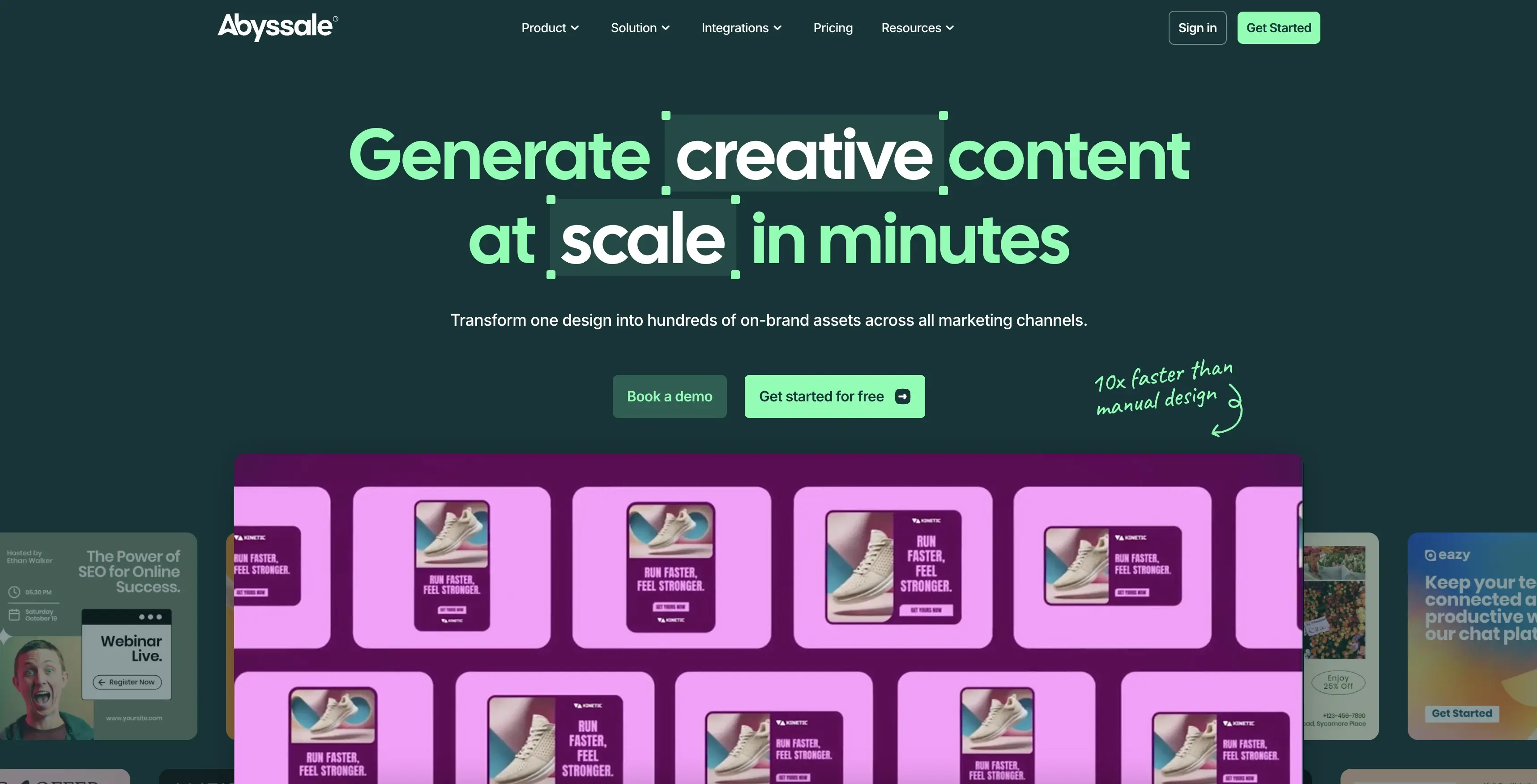
Abyssale connects reusable Designs to API data, spreadsheets, Dynamic Image URLs, and no-code integrations. Designers define the layout and editable layers; developers or operators supply the text, images, prices, and other variables used to render each generated visual.
Best for: marketing, creative, and development teams that want API-driven generation, spreadsheet production, Dynamic Image URLs, multi-format outputs, and approval workflows in one platform.
@abyssale/sdk) and Python (abyssale).The Abyssale API is available on Pro, starting at $45 per seat per month or $36 with annual billing. The same plan includes Spreadsheet Generation, Dynamic Images, no-code integrations, GIF and MP4 output, and approval workflows.
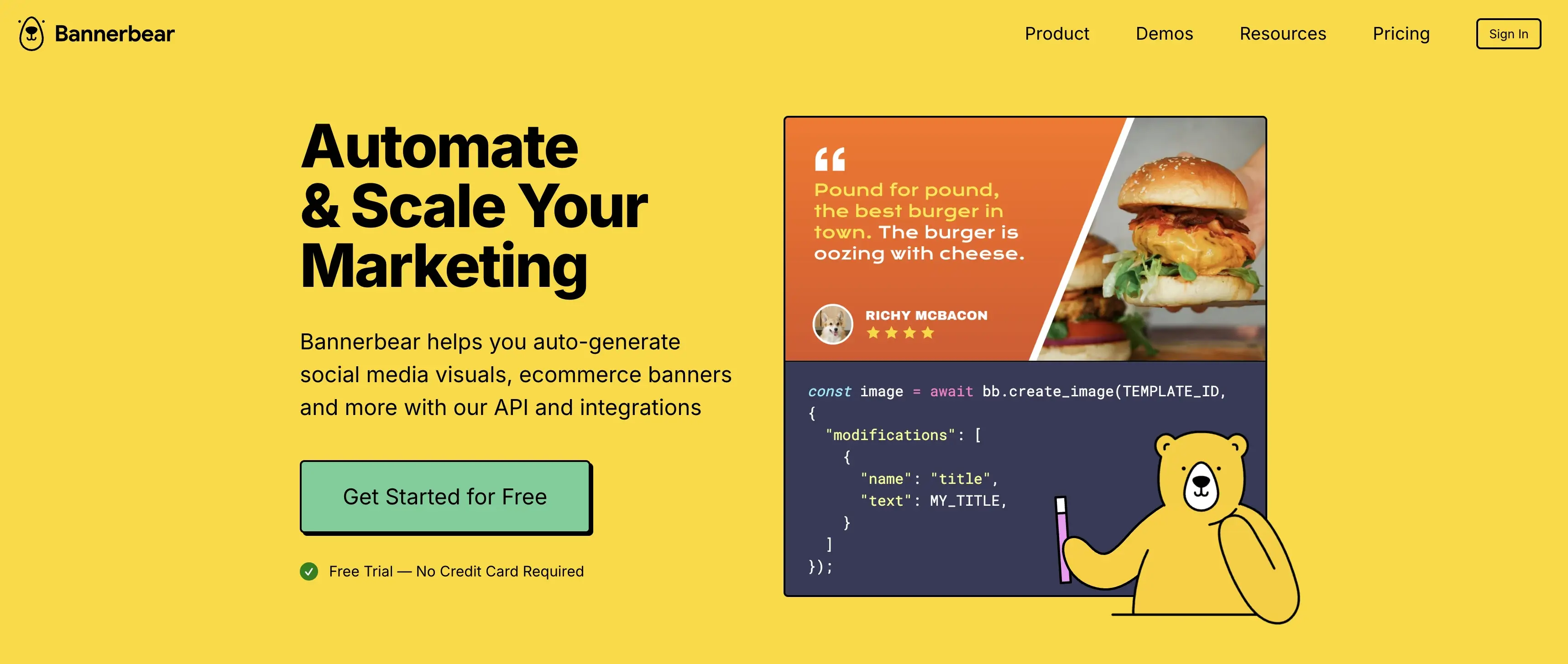
Bannerbear generates images from templates through an asynchronous API, a synchronous image endpoint, and webhook delivery. Its official documentation also covers signed URLs for generating images from query parameters.
Best for: developer-managed image and video generation where language libraries, signed URLs, and webhook delivery are central to the integration.
Bannerbear pricing starts at $49 per month.
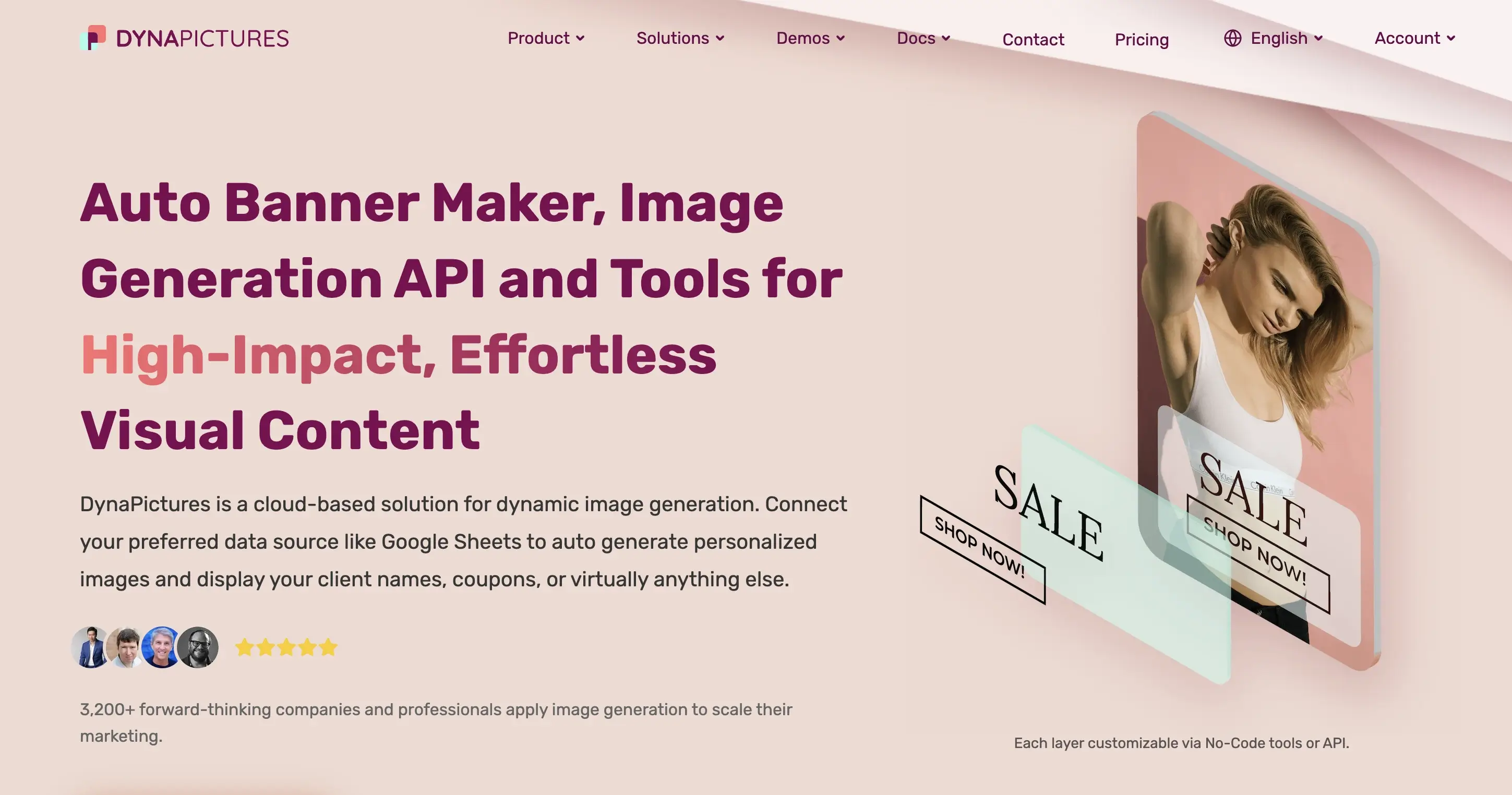
DynaPictures supports REST and URL-based image generation, webhook notifications, spreadsheet workflows, and a React Editor SDK. The SDK can embed the template editor and template or image selectors inside another application.
Best for: teams that want spreadsheet and URL-based image generation or need to embed a template editor in a React application.
DynaPictures lists a free plan and places REST API access, webhooks, spreadsheet generation, and URL generation among the features available across its plans.
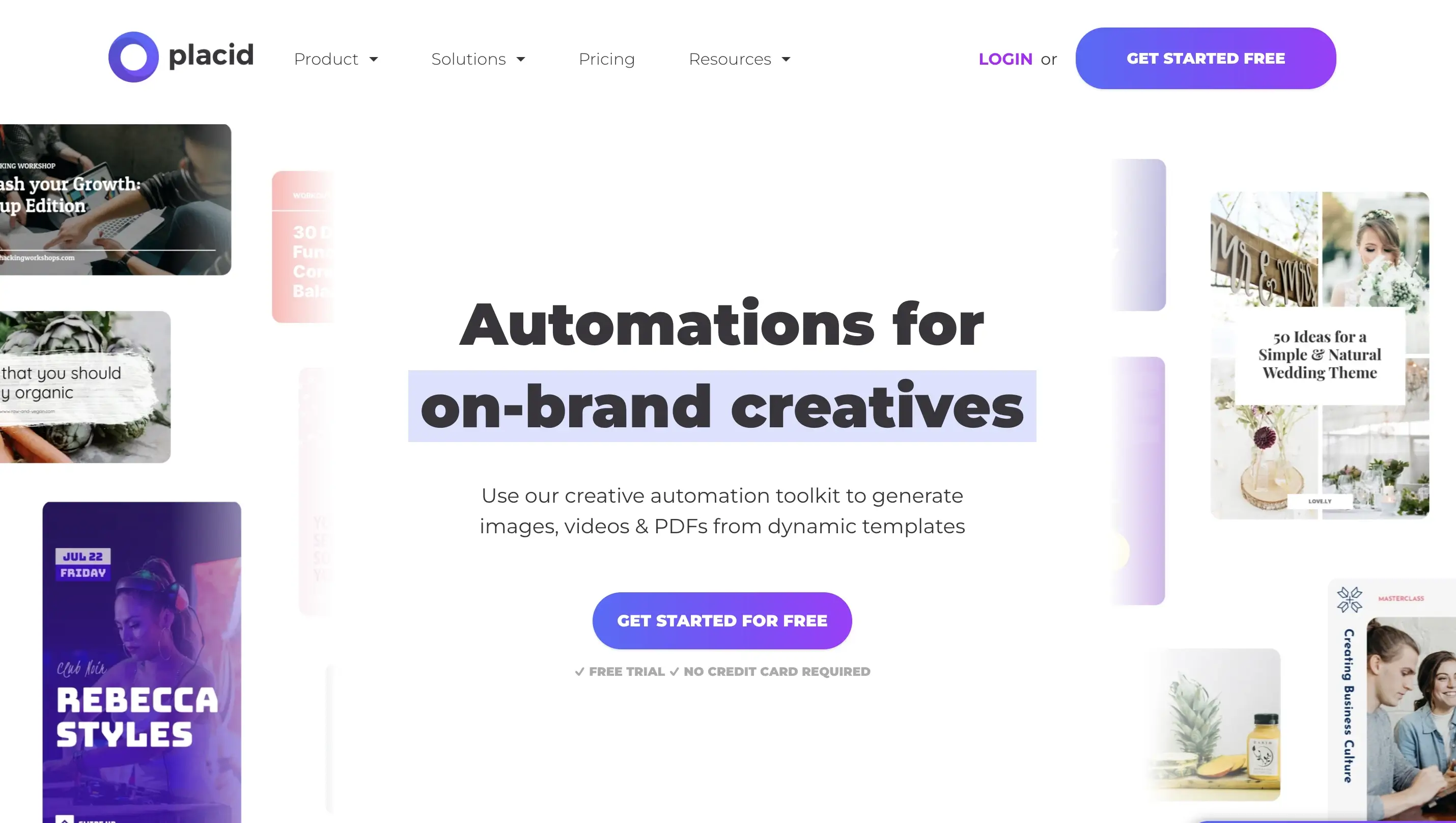
Placid combines REST and URL APIs with an Editor SDK for embedded template editing. REST image jobs are queued by default, while its API also documents an option for immediate processing and webhook delivery.
Best for: product teams that need REST and URL generation plus an embeddable editor for image, PDF, and video workflows.
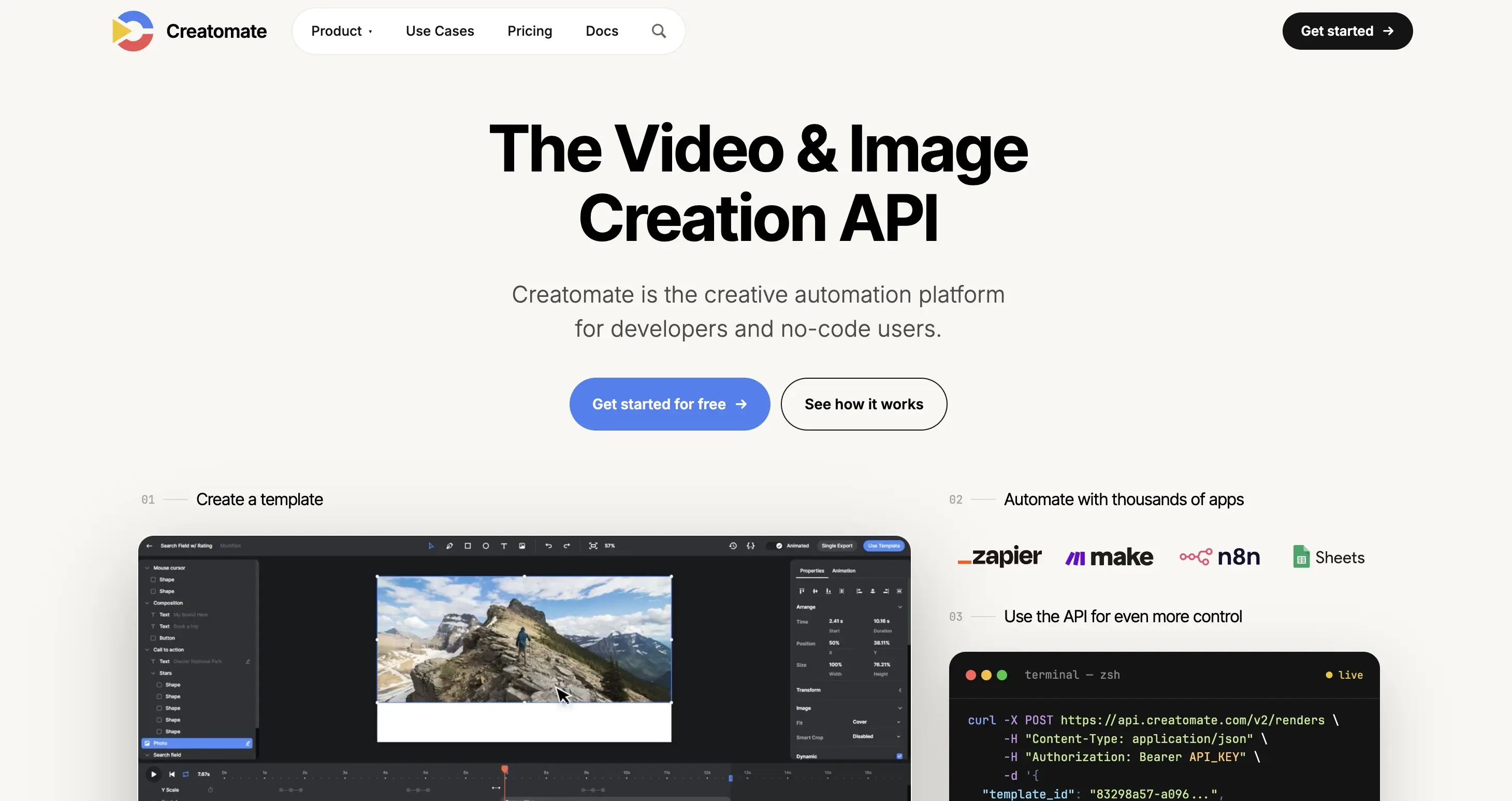
Creatomate renders images, videos, and GIFs from reusable compositions. Its REST workflow creates queued render jobs that can be monitored through status polling or completed through webhook notifications.
Best for: developers and operators combining programmatic image and video rendering in the same queued automation workflow.
The Essential plan starts at $54 per month.
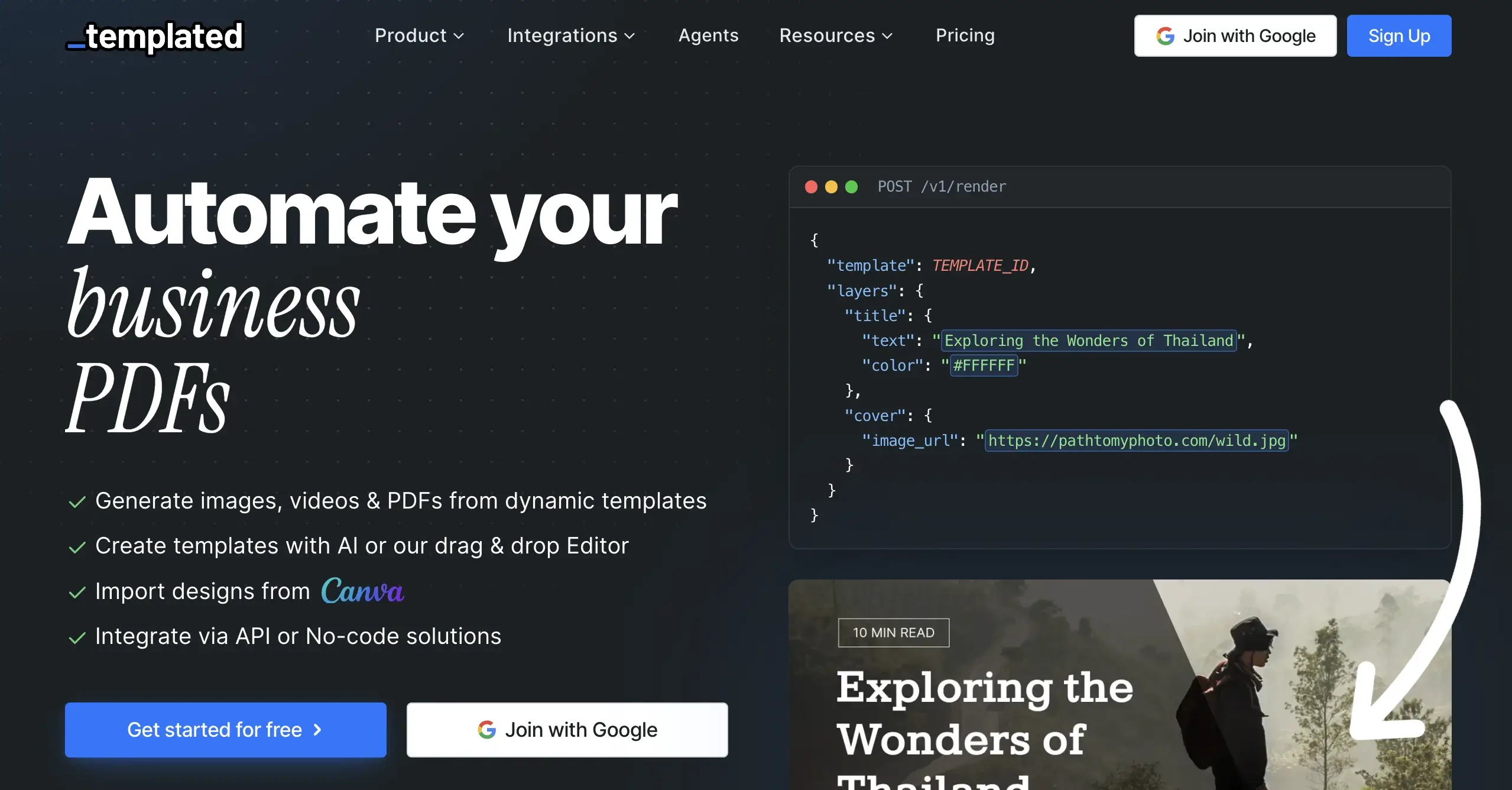
Templated provides a REST rendering API and an embeddable editor. Rendering is synchronous by default, with asynchronous processing and webhook delivery available for workflows that should not wait for the final asset.
Best for: products that need a white-label editor alongside synchronous, asynchronous, batch, and spreadsheet rendering.
The 50-credit trial is followed by a Starter plan at $29 per month when billed annually.
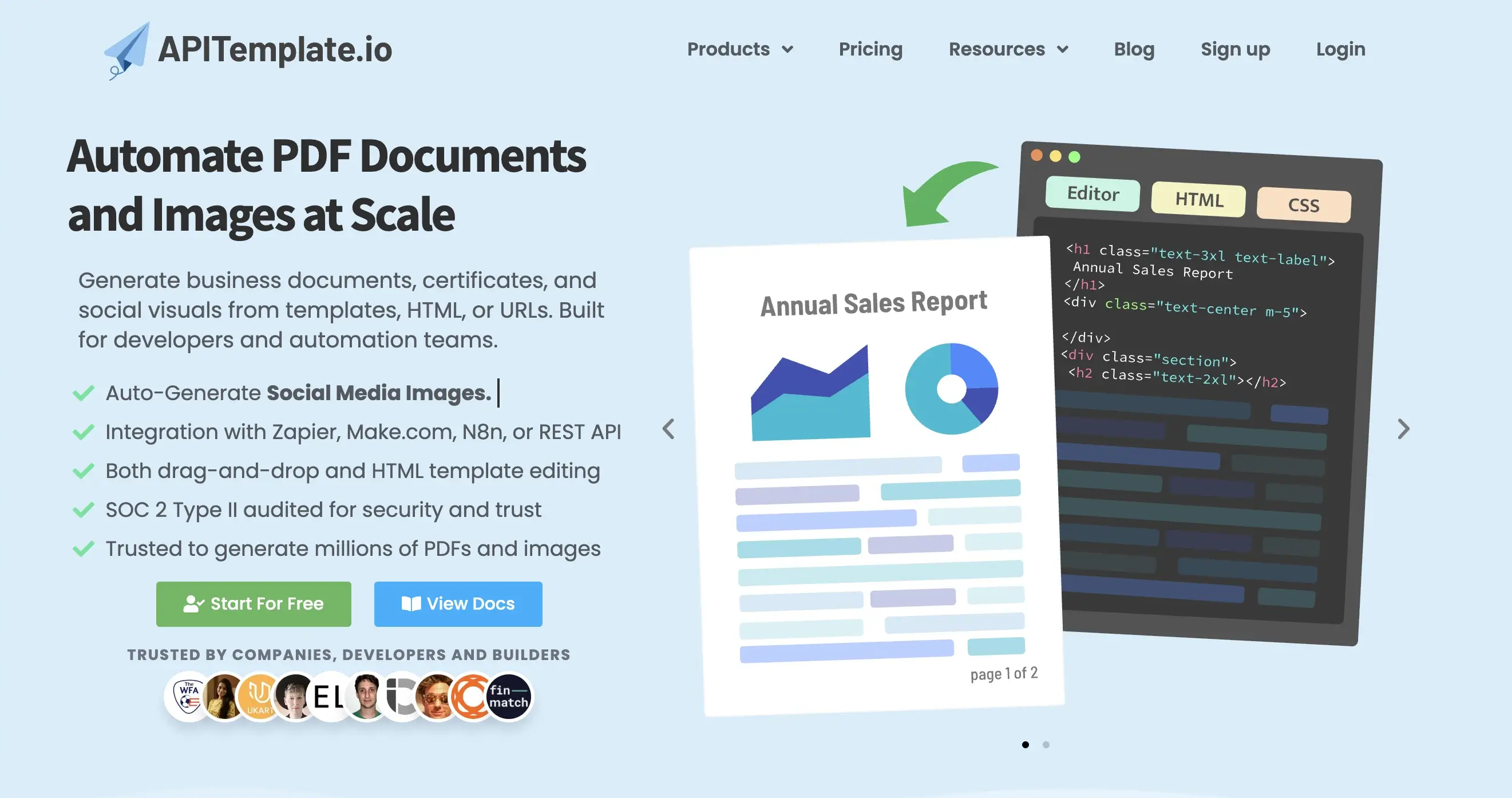
APITemplate.io covers template-based image and PDF generation through REST endpoints and Direct URLs. Direct URL generation passes values through query strings, allowing an application or automation to produce an asset from a predefined template without building a separate request body.
Best for: back-office and no-code workflows that generate both template-based images and PDFs through REST endpoints or Direct URLs.
The Image + PDF Starter plan starts at $35 per month.
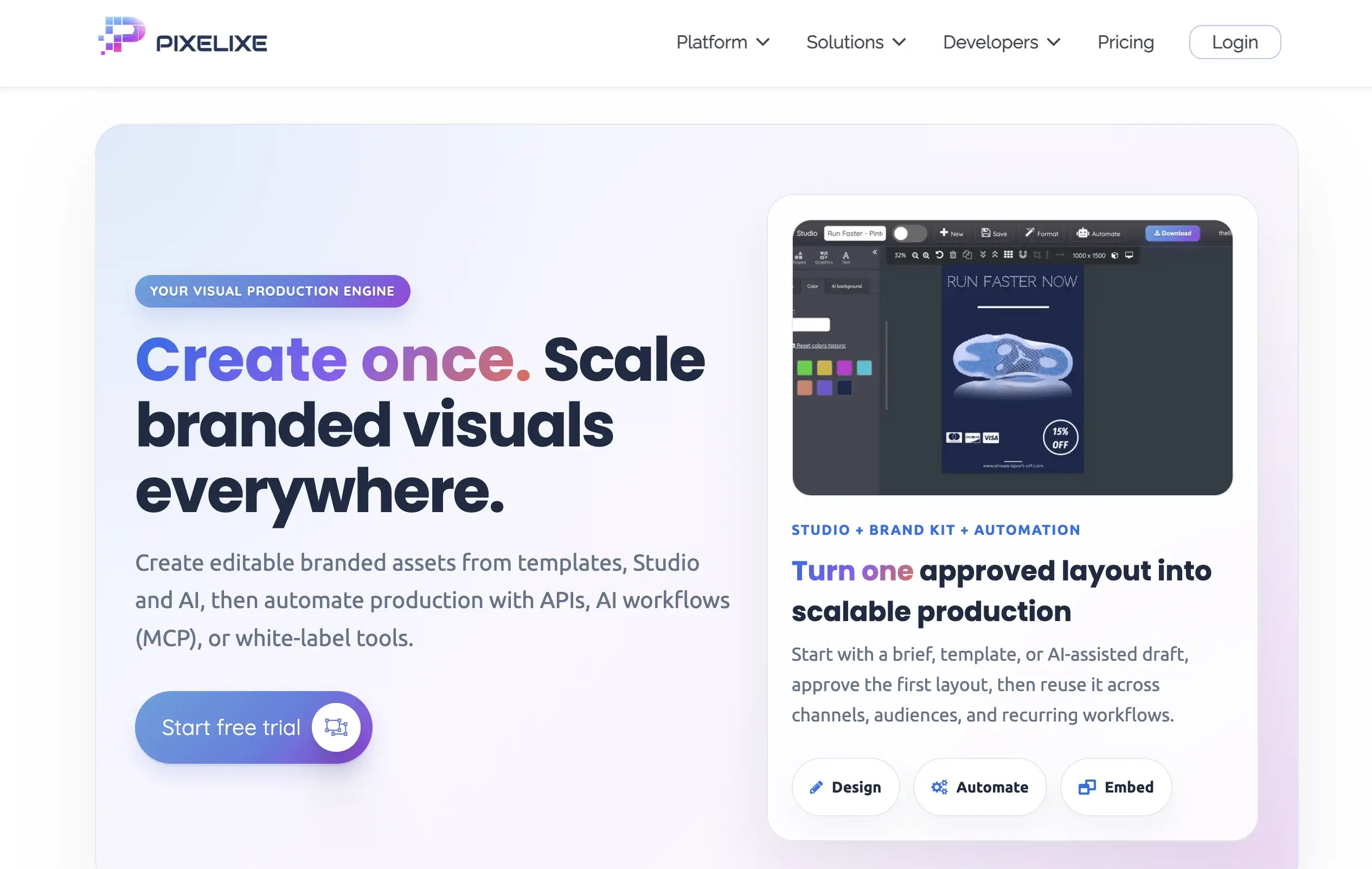
Pixelixe provides an Image Automation API and an Editor API. Its Design Set endpoint applies one request across several formats, while the white-label editor can be embedded in an iframe and return a completed edit through a webhook.
Best for: products that need a white-label editor or bulk multi-format Design Set generation from one data payload.
API and spreadsheet access begin on the Automate plan at $59 per month.
The following view groups positive workflow examples verified in the current product documentation used for this comparison.
Test each shortlisted API with one representative design and the data conditions expected in production. For the same decision at platform level, including enterprise suites that are not API-first, see our benchmark of creative automation platforms compared on API execution, SDKs, and pricing.
A template-based image generation API renders variable text, images, prices, and other structured data inside a predefined visual layout. It is used when a team needs repeatable visual assets without manually rebuilding every variation.
A prompt-based API creates or edits imagery from natural-language instructions. A template-based API preserves a predefined layout and replaces controlled variables. Teams can use both: a prompt-based model can create source imagery, while a template-based system assembles the final branded variations.
Abyssale is our recommendation when bulk production needs to work alongside an API, Spreadsheet Generation, Dynamic Images, multi-format Designs, and approval workflows. DynaPictures, Creatomate, Templated, and Pixelixe also document spreadsheet or bulk-generation workflows for more specific use cases.
Yes. Several tools in this comparison support spreadsheets, URL parameters, or no-code integrations. Abyssale supports Spreadsheet Generation, Dynamic Image URLs, Quick Generation, and integrations with Zapier, Make, Airtable, and n8n alongside its REST API.
Synchronous generation fits workflows that need the generated asset in the immediate response. Asynchronous generation fits larger or longer-running jobs because the application can continue working and receive the completed result through a webhook.
Some can, but output scope varies. Abyssale supports image formats and web PDF, with GIF and MP4 on Pro and HTML5 plus print-ready CMYK PDF on Suite. Confirm exact output formats and plan availability before choosing an API.
Connect a reusable Abyssale Design to application data, spreadsheets, Dynamic Image URLs, or no-code integrations, then generate the formats your workflow requires.
Explore the Abyssale API, review the developer documentation, or start a 14-day trial. You can also compare creative automation platforms with an API.
Explore our guides and tutorials to unlock the full potential of Abyssale's spreadsheet feature for scaled content production.