.jpeg)
Template-Based Image Generation APIs: How They Work and How to Choose One
How template-based image generation APIs work, what separates them from prompt-based tools, and the criteria that matter when choosing one.

An image generation API is a RESTful service that enables applications to generate images programmatically by injecting structured data (such as JSON) into a predefined generation system.
Unlike manual design tools, image generation APIs are designed for:
They are commonly used to generate:
In modern software stacks, image generation APIs act as a visual production layer.
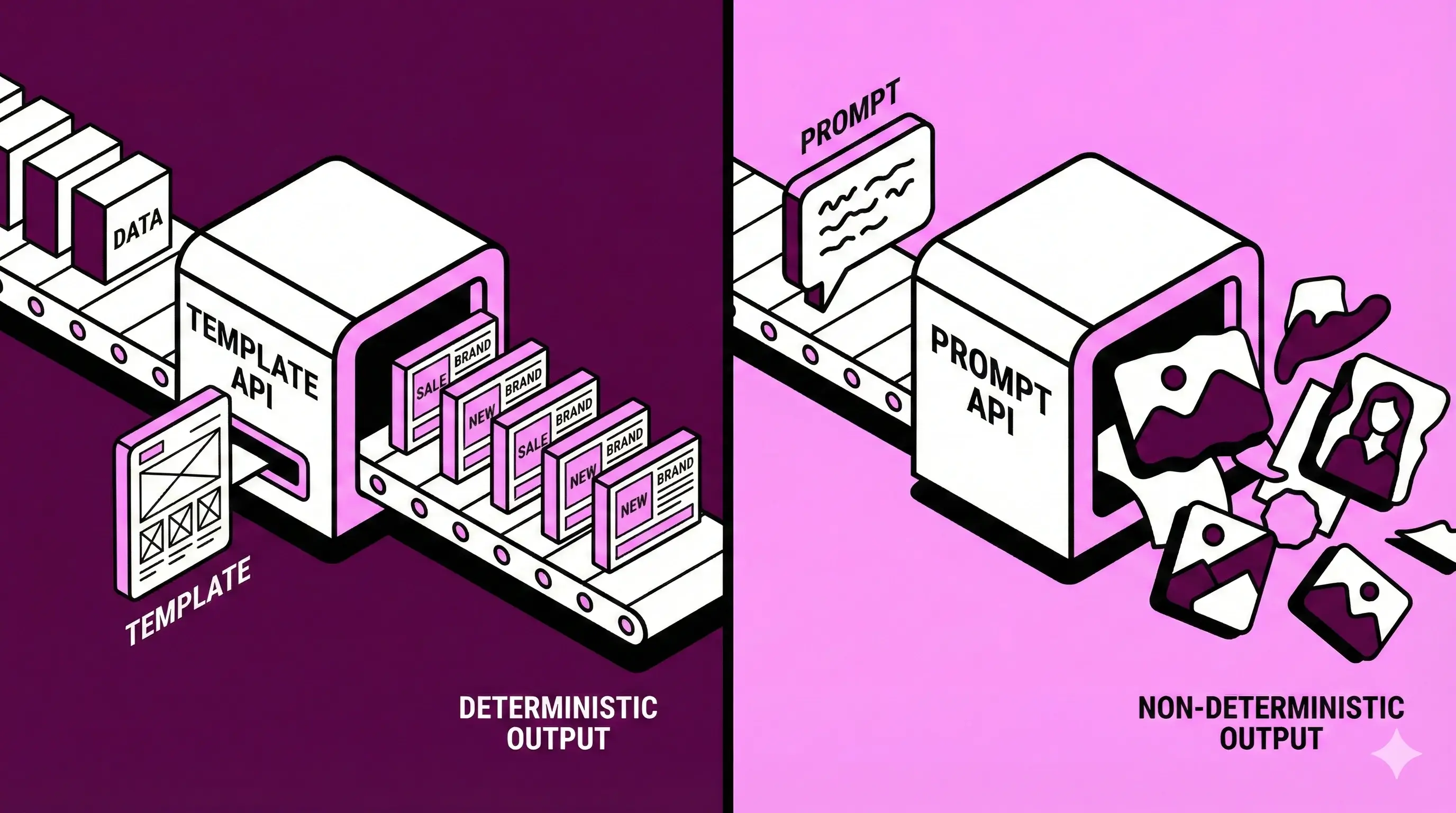
Template-based APIs generate images from predefined layouts, where text, images, and variables are dynamically replaced using structured data.
They are well suited for:
Common platforms in this category include: Abyssale, Bannerbear, Placid, Templated, APITemplate, and Orshot. Template-based APIs are the most common choice for automated image creation in production environments.
Prompt-based APIs generate images directly from text prompts without predefined layouts.
They are typically used for:
Examples include: OpenAI image generation APIs and Stable Diffusion APIs. Because outputs are non-deterministic and lack layout control, these APIs are usually not suited for automated, brand-critical production.
The image generation API ecosystem reflects different trade-offs between simplicity, flexibility, and scalability:
Most teams generating images automatically rely on template-based APIs because they provide predictable results.
When automating image creation, layout issues usually don’t appear immediately. They show up when content changes: longer text, different prices, localization, or reuse across formats.
Some template-based APIs rely on fixed positioning, where elements are placed at specific coordinates. This is simple and works well as long as content stays predictable, but layouts can break when text or data varies.
Other APIs adjust layouts dynamically when data is injected. Instead of fixed positions, spacing and text flow are recalculated automatically, which helps keep designs stable as content changes.
Both approaches can work for basic automation. The difference becomes noticeable as templates are reused more widely or data becomes less predictable.
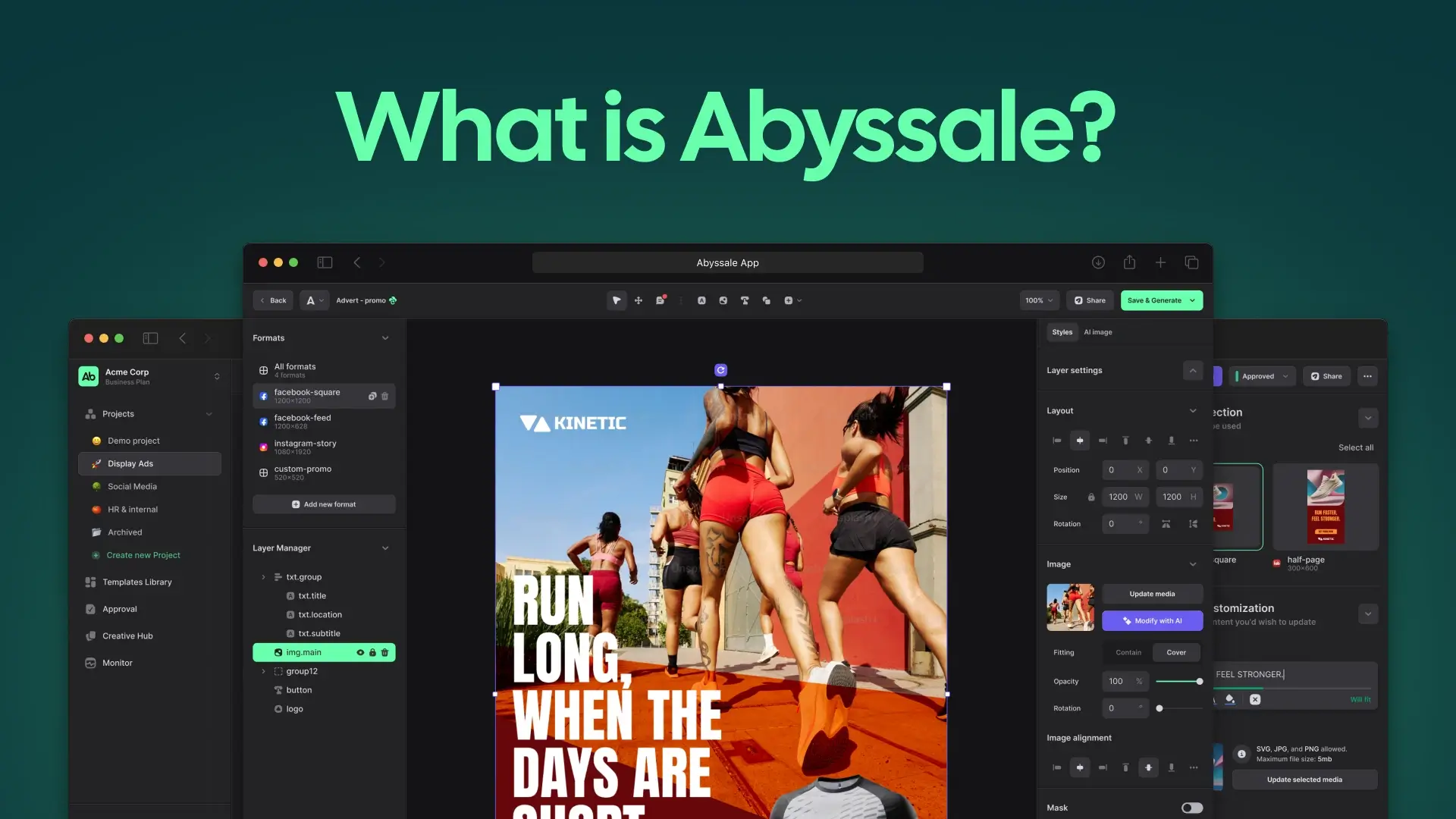
Abyssale is a template-based creative generation API designed to automate the production of images, videos, HTML5 banners, and print-ready assets from structured data.
Abyssale is a template-based creative automation API that generates images, videos, HTML5, and print assets programmatically from structured data.
The API follows a template-first model: developers generate creatives by injecting data into predefined templates rather than relying on text prompts. This approach ensures deterministic output and consistent layouts across formats.
Despite supporting multiple output types, Abyssale’s API is designed to be straightforward to integrate. It can be used for simple use cases, such as generating social images or Open Graph visuals, with minimal setup.
As requirements grow, the same API can also handle:
Without requiring teams to change tools or rewrite their integration.
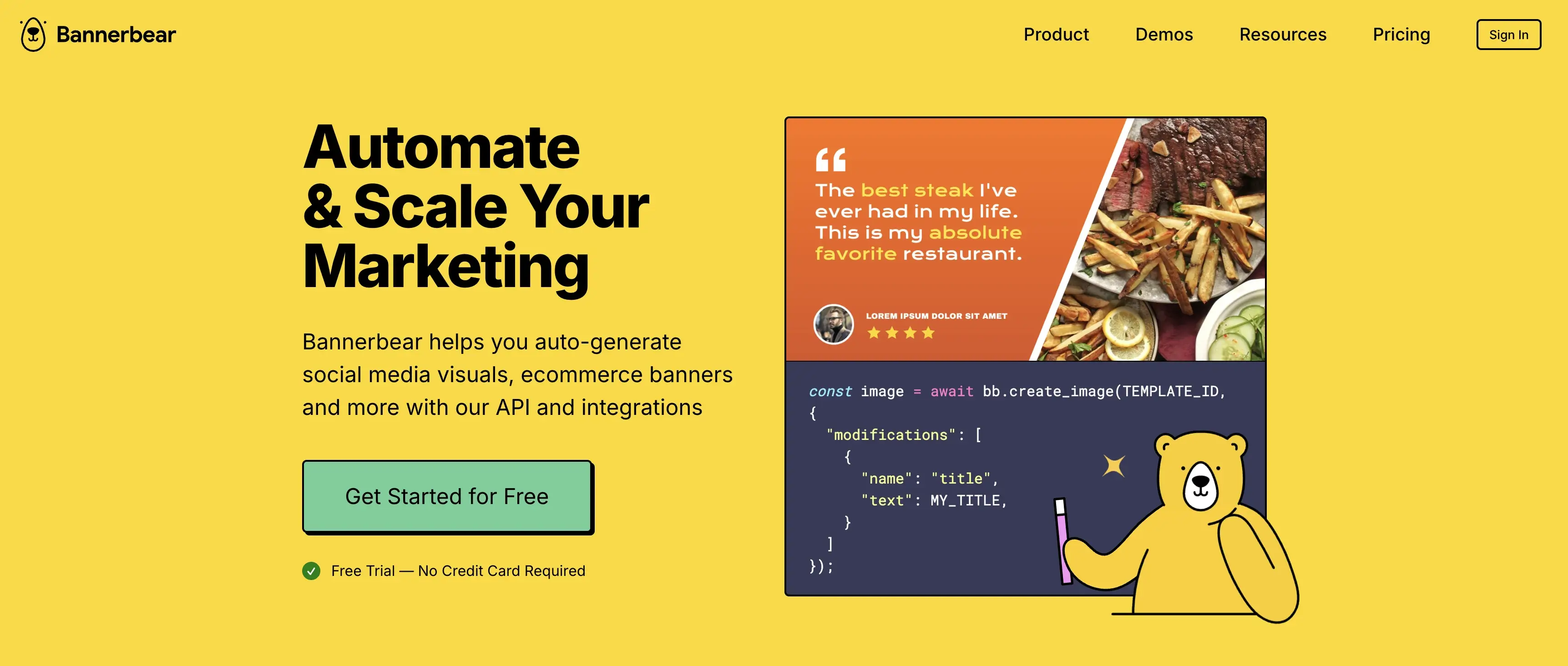
Bannerbear is a template-based image automation API that uses static layout positioning.
It is commonly used for:
Static layouts make Bannerbear easy to adopt for predictable use cases, but they can become limiting when content variability increases.
Not all image or creative generation APIs are designed to scale in the same way.
While many platforms support basic template-based generation, only some provide the infrastructure required for high-volume or multi-format production.
Key capabilities that enable scalable creative generation include:
Some tools focus on synchronous, request-based generation and are best suited for low-volume or simple use cases.
Other platforms are built with asynchronous and batch-oriented architectures, which allow creative production to scale independently from the core application.
Below is an example of how an image can be generated programmatically using Abyssale’s template-based API. The request triggers a synchronous generation from an existing design template by injecting structured layer overrides (rendering typically takes a few hundred milliseconds, around 300–400ms, depending on the download speed of external assets):
Abyssale’s API is designed to remain simple for basic image generation use cases, while supporting more advanced layouts and multi-format outputs as requirements grow.
What is the best API to automate image creation?
Template-based image automation APIs are generally the best option for automated image creation because they provide predictable layouts and consistent branding.
Is Abyssale only for complex or enterprise use cases?
No. Abyssale can be used for simple image automation with minimal setup and is designed to scale without requiring teams to switch tools as needs evolve.
Is Abyssale a Bannerbear alternative?
Yes. Both provide template-based image automation APIs, but they differ in how they handle layout variability and long-term scalability.
Image generation APIs have become a standard building block for automated creative production. In 2026, most teams choose template-based image automation APIs because they balance ease of use, predictability, and scalability.
The key difference between platforms is not how easy they are to start with, but how far they can scale without friction.
Explore our guides and tutorials to unlock the full potential of Abyssale's spreadsheet feature for scaled content production.
.webp)