Template-Based Image Generation APIs: How They Work and How to Choose One
How template-based image generation APIs work, what separates them from prompt-based tools, and the criteria that matter when choosing one.
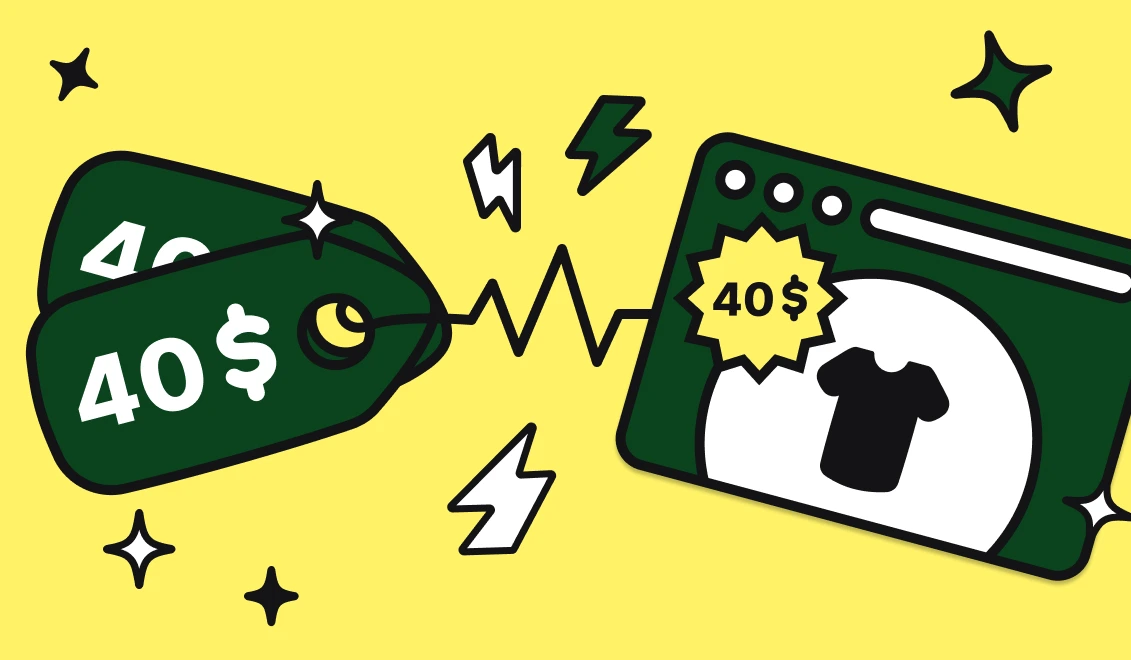
In E-commerce, your inventory is alive. Prices change based on competitors, stock levels fluctuate by the minute, and flash sales appear and disappear.
Yet, most marketing teams are still working with "dead" visuals.
They design a banner on Monday. On Tuesday, the product goes out of stock. On Wednesday, the price drops by 10%. But the Monday banner is still running, burning your ad budget on a product you can't sell, or displaying the wrong price to your customers.
The solution isn't to hire faster designers. It's to switch to Event-Based Creative Automation.
Event-Based Creative Automation is a workflow where marketing visuals are generated programmatically in response to real-time data changes (like inventory updates, price drops, or weather alerts), ensuring ad creatives always match the source of truth.
Why should you care about automating this? Because static ads in a dynamic market are costing you money in three ways:
Instead of manually exporting images via a spreadsheet (Batch Processing), we use Webhooks (Real-Time Processing). An event is a digital signal that says "Something changed."
By connecting your store to Abyssale via tools like Zapier, Make, or directly via API; You can trigger image generation automatically whenever a specific event occurs in your database.
Here is how top-performing brands are using automation today:
Scarcity is a powerful psychological trigger, but it must be honest.
IF stock < 5 AND stock > 0
If you use dynamic pricing tools (repricers) on Amazon or your own store, your ads are likely always outdated.
(OldPrice - NewPrice) / OldPrice).
Recover lost revenue immediately.
0 to >1.
While E-commerce is the prime candidate, this logic applies elsewhere:
You don't need a team of engineers to set this up, but understanding the data flow helps. Here is what happens under the hood when you use a tool like Make.com:
Step 1: The WatcherThe scenario watches your Shopify store. It detects Event: product_updated.
Step 2: The Router (Logic)You apply a filter. "Only proceed IF price has changed." This prevents generating images for minor edits like fixing a typo in the description.
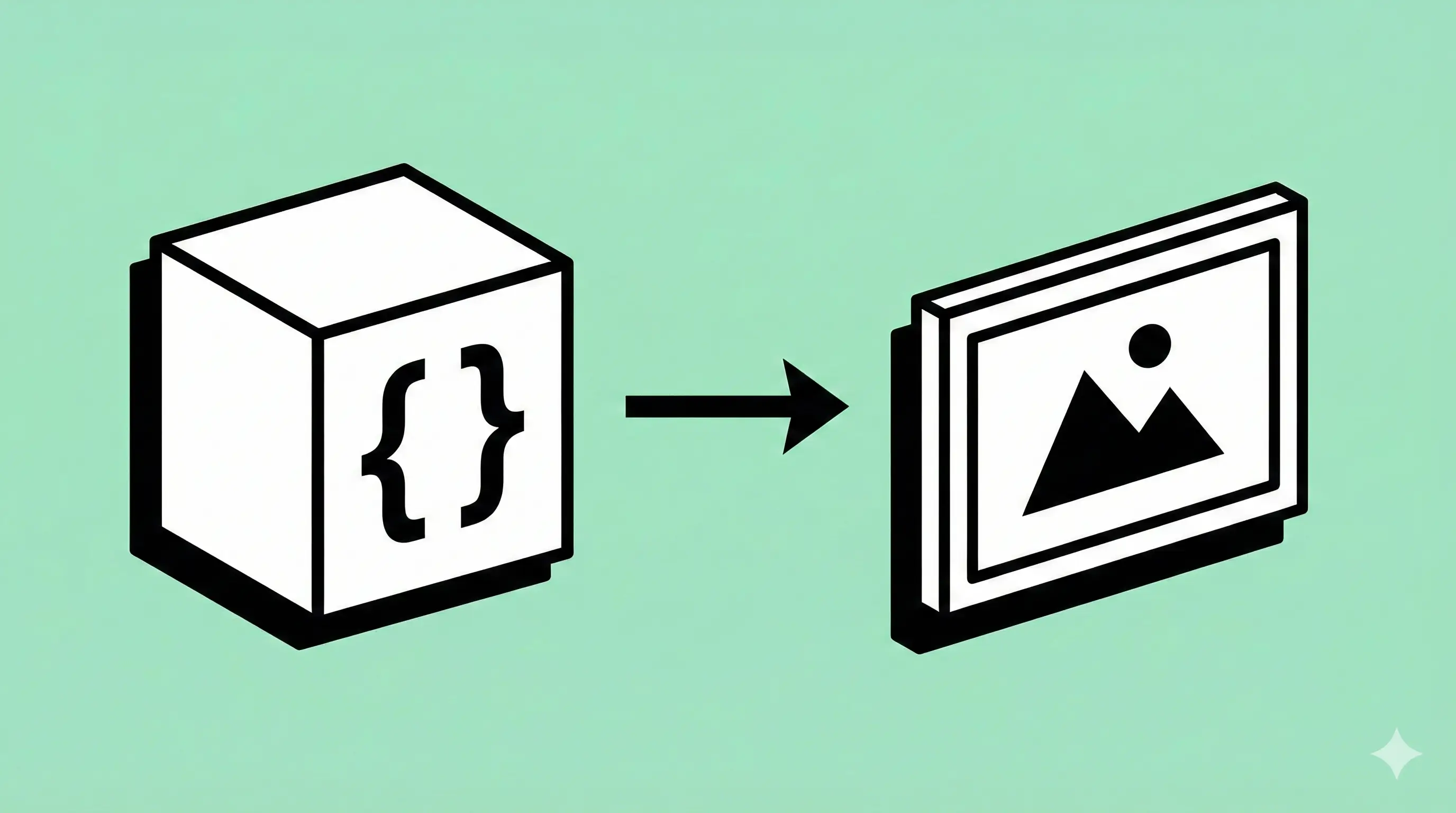
Step 3: The Payload (JSON)The automation tool sends a structured request to Abyssale. It looks like this:
{
  "template_id": "abyssale-black-friday-v2",
  "elements": {
    "product_image.payload": "https://store.com/shoe.jpg",
    "product_price.payload": "$99.00",
    "product_name.payload": "Air Jordan 1 Low"
  }
}
Step 4: The GenerationAbyssale renders the image in milliseconds and returns a hosted URL (CDN link).
Step 5: The UpdateThe automation tool takes that URL and pushes it to Facebook Ads Manager, updating the ad creative ID.
Ready to switch from static to dynamic? Start small.

Does this work with video?
Yes. Abyssale can also automate video generation. You can swap the product image and price inside a video template just as easily as a static image.
What if my product images have messy backgrounds?
Abyssale includes a native AI Background Remover feature. You don't need external tools. Simply enable the option in your image layer settings, and Abyssale will automatically detect the product, strip the background, and place it cleanly into your branded template.
Is it expensive?
Compared to paying a designer to resize 500 images manually? No. Automation is a volume play. The more you generate, the lower the cost per asset becomes.
Explore our guides and tutorials to unlock the full potential of Abyssale's spreadsheet feature for scaled content production.
.webp)