Scaling Creative Production: Best Banner Tools for Growing Agencies (2026)
A guide for agencies scaling their creative production. Compare tools like Abyssale, Creatopy, and Bannerflow to manage high-volume client demands efficiently.

Managing a brand with multiple locations whether you’re a franchise network like Bagelstein or a real estate group like Wander is a constant tug-of-war.
On one side, you have the Headquarters (Global).
You are obsessed with brand consistency. You want every pixel, every font, and every logo to respect the guidelines you spent months defining.
On the other side, you have the Local Managers (Local).
They need reactivity. They need to promote a special offer for this weekend, adapt to local pricing, or celebrate a local event. They don't have time to wait 4 days for the design team to validate a Facebook banner.
The result? Local managers go rogue. They open Canva (or Paint...), stretch your logo, use the wrong colors, and post visuals that dilute your brand equity.
This is the Local Marketing Paradox: How do you give local teams the autonomy they need without sacrificing the brand consistency you require?
The answer isn't hiring more designers at HQ. It's Creative Automation.
Before discussing the solution, let's look at the hidden costs of the current manual workflow in most multi-location businesses:
To solve this, you need a workflow that locks the brand but unlocks the content. This is where a Creative Automation platform like Abyssale changes the game compared to traditional design tools.
Here is the 3-step framework to automate your local marketing production.
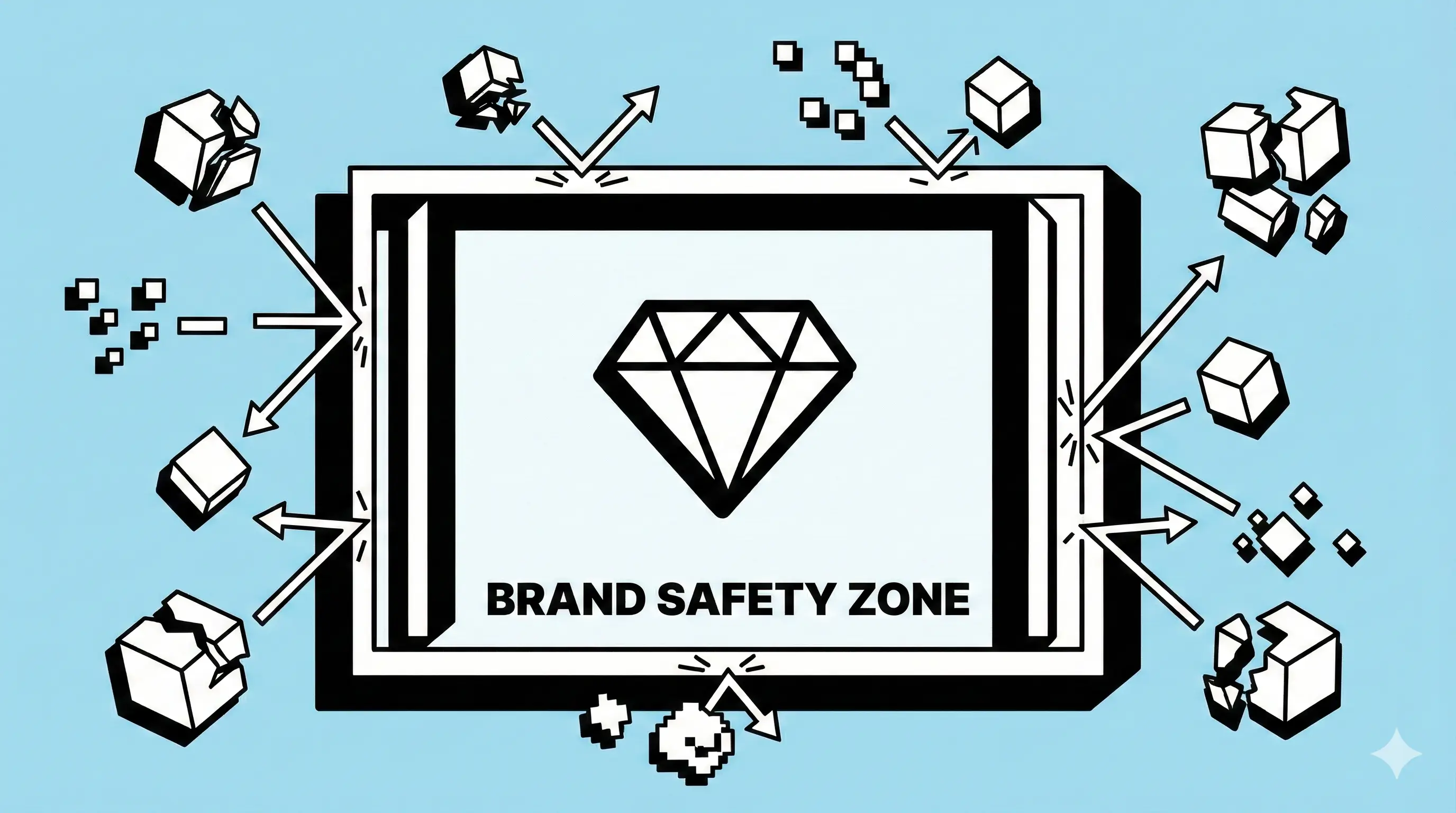
Instead of sending a PDF brand book that nobody reads, you build your guidelines directly into your templates.
In Abyssale, the Head Office design team creates master templates. Within these templates, you define the rules:
You are effectively building a "fence" inside which local managers can play safely.
Once your templates are ready, you have two ways to generate the visuals:
Option A: Automated Batch Generation (Headless)
If you have a spreadsheet (Google Sheets/Airtable) with the offers for all 200 locations, you can import it into Abyssale. In one click, you generate 200 unique, localized banners. One for each city, with the correct address and local pricing.
Option B: The Abyssale Creative Hub (Self-Serve)
This is the game-changer for franchises. You give local managers access to a simplified interface (Abyssale sharing).
No design skills required. No ability to "break" the brand.
For sensitive campaigns, you can enable an Approval Workflow.
The local manager generates one or multiple assets, and the HQ gets a notification to approve it before it can be downloaded. This adds a layer of security without the back-and-forth of emails.
Imagine a retail chain launching a "Summer Sales" campaign across Europe.
Your brand's strength lies in its unity. Don't let operational bottlenecks fragment your identity. By shifting from manual creation to Template-Based Automation, you turn your local network from a liability into your greatest marketing asset.
Ready to secure your brand consistency? Start a free trial of Abyssale today and see how fast you can deploy your next local campaign.
Explore our guides and tutorials to unlock the full potential of Abyssale's spreadsheet feature for scaled content production.